SuuprTests Binding
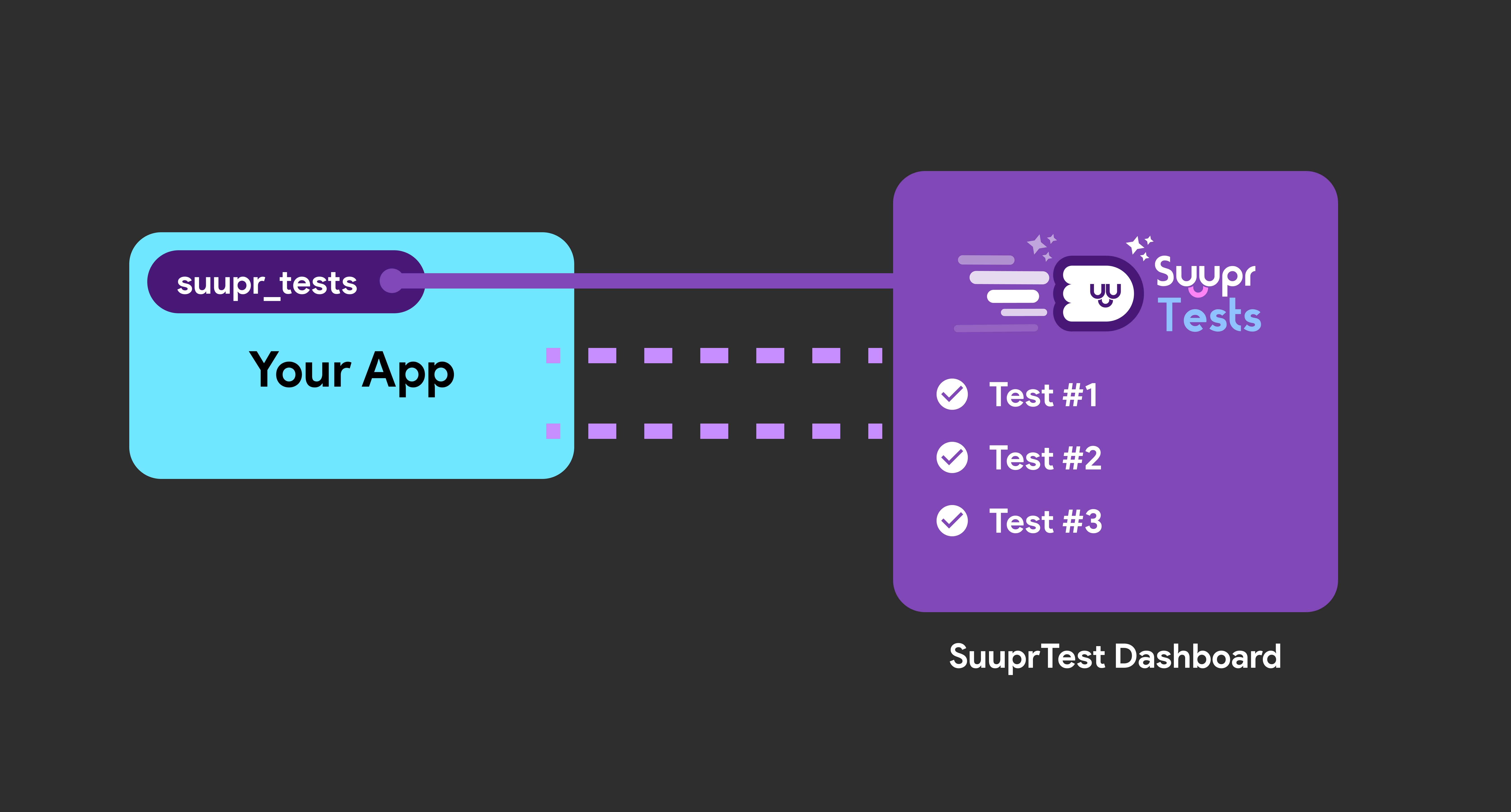
To instrument your Flutter application for SuuprTests, you need to seamlessly connect it to the SuuprTests Dashboard UI. This connection allows the framework to interact with your widgets and execute precise gestures.
Installation
First, you need to add the suupr_tests package to your Flutter project. Open your terminal at the root of your Flutter project and run:
flutter pub add suupr_tests
This will add the most recent version of suupr_tests to your pubspec.yaml file dependencies.
Initializing the Binding
To allow SuuprTests to orchestrate UI testing operations and listen to commands from the admin interface, you need to initialize the binding before running your app.
Open your lib/main.dart file and make the following changes:
- Import the
suupr_testspackage. - Call
SuuprTestsBinding.ensureInitialized();within yourmain()method, right beforerunApp().
Here is an example of what your main.dart should look like:
import 'package:flutter/material.dart';
// 1. Import the package
import 'package:suupr_tests/suupr_tests.dart';
void main() {
// 2. Initialize the SuuprTests Binding
SuuprTestsBinding.ensureInitialized();
// 3. Run your application
runApp(const MyApp());
}
class MyApp extends StatelessWidget {
const MyApp({super.key});
Widget build(BuildContext context) {
return MaterialApp(
title: 'Target App Under Test',
theme: ThemeData(
colorScheme: ColorScheme.fromSeed(seedColor: Colors.blue),
useMaterial3: true,
),
home: Scaffold(
body: Center(
child: Column(
children: [
// 4: Add keys to the widgets you want to interact with
Text(
key: const Key('hello_world_txt'),
'Hello World'),
ElevatedButton(
key: const Key('click_me_btn'),
onPressed: () {}, child: Text('Click Me')),
],
),
),
),
);
}
}
Why Do We Need This?
Behind the scenes, SuuprTestsBinding.ensureInitialized() extends Flutter's default testing capabilities. This layer acts as a bridge between your running Flutter app and the SuuprTests Dashboard, enabling the dashboard to query widget trees, intelligently match Keys, and synthetically generate tap and other events just as a human would.
You're Connected!
Once your binding is initialized and properly instrumented with keys, your app is now "testable". You can launch your app normally, and it is ready to receive commands from the SuuprTests Dashboard. In the next section, we'll explore the CLI usage and the SuuprTests Dashboard UI to start the orchestration server.